If you want to build a career in 3D animation, learning the right software is an important step—but knowing how to use the tools is only part of the process. You also need to understand modelling, movement, character performance, scene organisation and the workflow used to turn a creative idea into a finished 3D sequence.
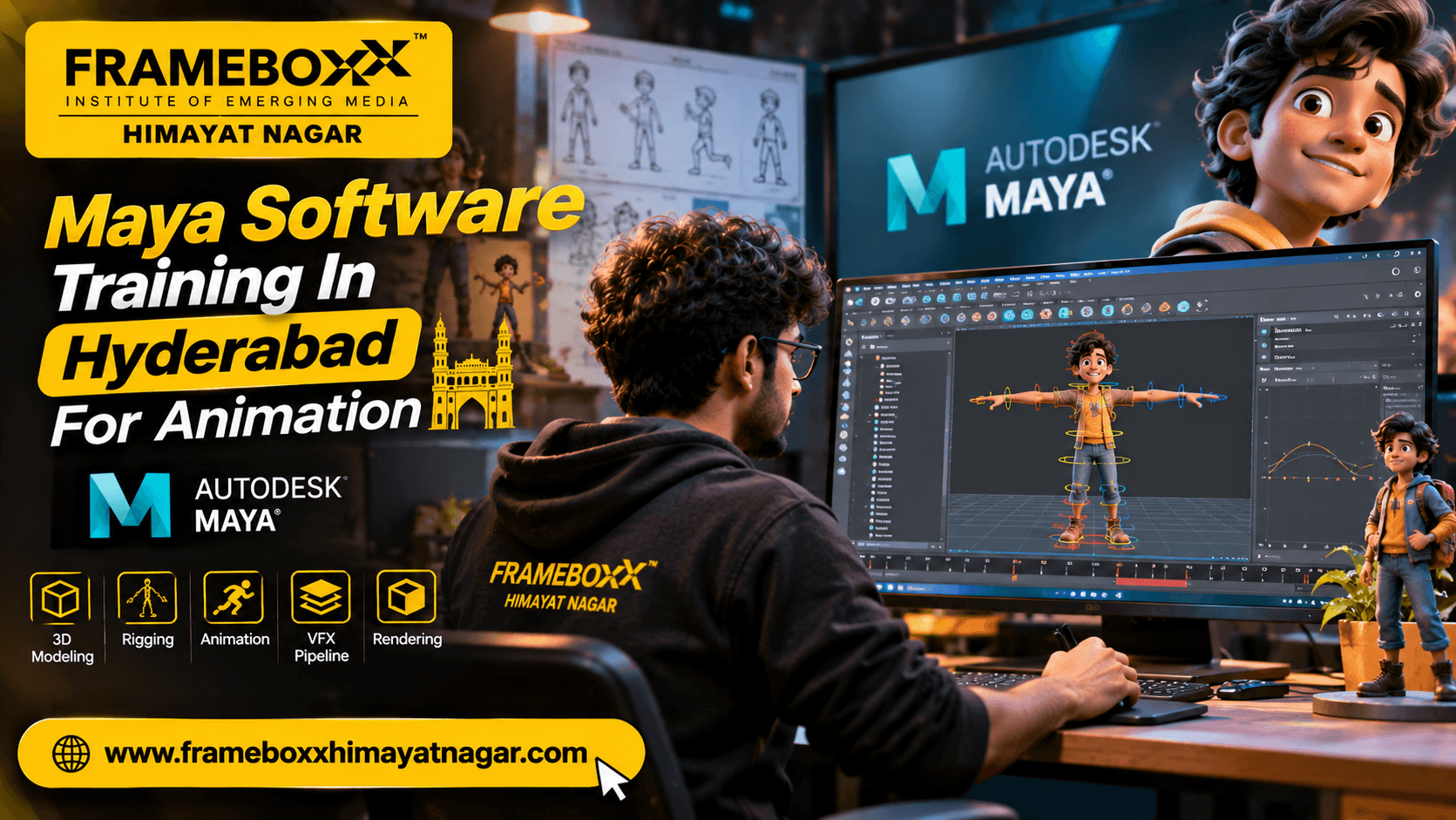
Maya Software Training In Hyderabad For Animation is relevant to students who want to understand how Autodesk Maya is used to create 3D models, prepare characters for movement, animate objects and characters, and develop scenes for animation and visual production.
At Frameboxx Himayatnagar, students can explore the institute's Animation and VFX training options and enquire about the current programme structure, software coverage and learning pathway relevant to Maya. Before enrolling, it is important to confirm whether Maya is taught as a dedicated software module or as part of a broader animation programme.
This guide explains what Maya does, what students should learn, how to build practical projects and what to check before choosing animation software training in Hyderabad.
What Is Autodesk Maya Used for in Animation?
Autodesk Maya is a professional 3D computer graphics application used for modelling, rigging, animation, effects and rendering. It allows artists to create digital objects and characters, prepare them for movement, animate them and develop visual scenes.
In an animation workflow, Maya can be used for tasks such as:
- Creating 3D characters, props and environments.
- Building and editing polygonal models.
- Preparing character skeletons and controls through rigging.
- Creating keyframe-based character and object animation.
- Refining movement using animation curves.
- Applying materials and preparing scenes for lighting.
- Producing rendered frames and animation sequences.
- Working with simulations and effects through relevant tools.
Maya is not simply a tool for making objects look three-dimensional. It supports multiple stages of a 3D production pipeline. The skills you learn should therefore connect individual software operations to the larger process of creating an animation.
Why Learn Maya for 3D Animation?
Maya is worth considering if your goal is to understand 3D animation production beyond basic modelling.
A student can use Maya to practise how a character is constructed, how its skeleton is organised, how movement is created and how animation is refined. These skills are useful foundations for understanding character animation and other 3D production tasks.
1. Understand 3D modelling
Modelling is the process of creating the geometry of a digital object. In Maya, artists can work with vertices, edges and faces to construct objects, props, characters and environments.
A beginner should first understand:
- Object creation and scene navigation.
- Transformations: move, rotate and scale.
- Polygon primitives and component selection.
- Extrusion, bevel and basic mesh editing.
- Topology and clean geometry.
- Organising objects and scenes.
For example, a student might begin by modelling a simple table, a household object or a stylised prop. The goal is not only to complete the shape but also to understand how the geometry is structured.
2. Learn rigging fundamentals
Rigging prepares a 3D character or object for controlled movement. A rig commonly includes a skeleton, joints, controls and relationships that allow an animator to pose the character.
Important concepts include:
- Joint hierarchy.
- Skeleton structure.
- Character controls.
- Skin binding.
- Weight painting and deformation.
- Basic rig testing.
- Correcting deformation problems.
A model that looks good in a still image may not deform well when it moves. This is why rigging knowledge matters when working towards character animation.
3. Develop character animation skills
Character animation is about creating movement that communicates action, intention and personality.
Maya supports keyframe animation, nonlinear animation and motion-capture workflows. However, good animation depends on the artist's understanding of timing, spacing, weight, balance and performance—not merely on placing keys.
Students should understand:
- Keyframes and interpolation.
- Timing and spacing.
- Pose-to-pose animation.
- Anticipation and follow-through.
- Arcs and overlapping action.
- Weight and balance.
- Facial and body performance.
- Animation review and refinement.
For example, animating a character lifting a heavy box requires more than moving its hands. The animator must show preparation, effort, weight transfer, contact and recovery.
4. Understand materials, lighting and rendering
A 3D scene needs more than geometry and movement. Materials describe surface appearance, lighting establishes how the scene is illuminated, and rendering produces the final image or sequence.
A useful learning pathway introduces:
- Basic material properties.
- Texture and surface appearance.
- Light placement and intensity.
- Camera positioning.
- Render settings.
- Image quality and output checks.
Students should understand how these stages affect the final appearance of a scene, even if they later specialise in modelling or animation.
What Should You Learn in Maya Software Training In Hyderabad For Animation?
The exact syllabus depends on the programme and training provider. The following is a recommended learning framework, not a claim about the confirmed syllabus at Frameboxx Himayatnagar.
| Learning area | What to understand | Practical outcome |
|---|---|---|
| Interface and navigation | Viewports, panels, tools and scene controls | Navigate and organise a 3D scene |
| 3D modelling | Polygon geometry, components and topology | Create a clean 3D prop |
| UV fundamentals | Preparing model surfaces for textures | Understand how textures map to geometry |
| Materials | Surface properties and appearance | Create basic material variations |
| Lighting and cameras | Illumination, composition and camera setup | Present a model or scene clearly |
| Rigging | Joints, hierarchy, skinning and controls | Prepare a character for posing |
| Animation | Keyframes, timing, spacing and curves | Animate a simple action |
| Rendering | Render settings and output review | Produce a presentable final result |
A useful programme should explain not only which tools are available but also why a particular tool or method is used at each production stage.
Maya Animation Workflow: From a 3D Idea to a Finished Sequence
Understanding the production workflow helps beginners connect individual lessons to a complete animation project.
Step 1: Plan the idea
Before opening the software, decide what the scene needs to communicate.
For a short character animation, define:
- The character's action.
- The setting.
- The camera view.
- The intended duration.
- The important poses.
- The mood and visual style.
A simple storyboard or reference sequence can help organise the work.
Step 2: Create or prepare the 3D model
Build the required character, prop or environment. Check the model's proportions, geometry and level of detail.
For a beginner project, a simple object or stylised character is usually more manageable than a highly detailed production model.
Step 3: Prepare the character for movement
If the project includes character animation, the model may need a skeleton and controls. This is the rigging stage.
Test the rig with basic poses before starting detailed animation. Look for problems such as unwanted mesh stretching, collapsing joints or controls that are difficult to use.
Step 4: Block the animation
Start with the main poses that communicate the action. Do not begin by trying to perfect every frame.
For example, a jumping character might need:
- A preparation pose.
- A crouched pose.
- A take-off pose.
- An airborne pose.
- A landing pose.
- A recovery pose.
This blocking stage helps establish whether the action reads clearly.
Step 5: Refine timing and movement
Once the main poses work, refine the transitions between them.
Review:
- Whether the action feels too fast or too slow.
- Whether the character appears to have believable weight.
- Whether movements follow clear arcs.
- Whether body parts move in a coordinated way.
- Whether the action communicates the intended emotion.
The Graph Editor can help artists inspect and refine animation curves.
Step 6: Add materials, lighting and camera work
Prepare the scene for presentation. Apply suitable materials, position lights and choose a camera angle that supports the action.
These elements should make the animation easier to understand rather than distract from it.
Step 7: Render and review
Render a test before producing the final output. Review the sequence for visual errors, missing frames, poor lighting, unwanted intersections and animation issues.
A finished project should be checked as a complete sequence—not judged only by a single attractive frame.
Practical Maya Projects Beginners Should Build
Software knowledge becomes more meaningful when students apply it to projects. A portfolio should demonstrate what the learner can actually create and explain.
The following are suggested practice briefs, not confirmed Frameboxx assignments.
Project 1: Model a simple 3D prop
Create a recognisable object such as a chair, table, bottle or stylised household item.
Skills to demonstrate:
- Polygon modelling.
- Component editing.
- Proportion and form.
- Clean scene organisation.
- Basic material application.
Project 2: Create a stylised environment
Build a small scene such as a room, street corner or simple outdoor setting.
Skills to demonstrate:
- Modular modelling.
- Object placement.
- Composition.
- Basic materials.
- Lighting.
Project 3: Animate a bouncing ball
This is a useful beginner exercise because it teaches timing, spacing, squash and stretch, and the visual impression of weight.
Skills to demonstrate:
- Keyframe placement.
- Timing and spacing.
- Animation curves.
- Arcs.
- Controlled deformation.
Project 4: Animate a simple character action
Create a short action such as walking, waving, sitting or picking up an object.
Skills to demonstrate:
- Posing.
- Basic rig controls.
- Weight transfer.
- Timing.
- Follow-through.
- Clear action.
Project 5: Create a short animation presentation
Combine a simple model, an animated action, a camera and basic lighting into a short sequence.
Skills to demonstrate:
- Scene preparation.
- Animation workflow.
- Camera composition.
- Rendering.
- Final presentation.
For each project, retain progress screenshots, playblasts or previews, the final output and a short explanation of the decisions made. This helps demonstrate both the result and the learning process.
Maya vs Blender: Which Should an Animation Student Learn?
Maya and Blender are both capable 3D applications, but they have different product ecosystems and workflows. The right choice depends on your learning goals, programme requirements and the type of work you want to practise.
| Comparison point | Autodesk Maya | Blender |
|---|---|---|
| Main use | 3D modelling, rigging, animation, effects and production workflows | 3D modelling, animation, sculpting, rendering, compositing and more |
| Modelling | Polygon and NURBS modelling tools | Polygon modelling and a broad set of integrated 3D tools |
| Animation | Keyframe, nonlinear and motion-capture workflows | Keyframe animation, rigging and animation tools |
| Rigging | Character skeleton, skinning and rigging workflows | Armatures, constraints and character rigging workflows |
| Rendering | Arnold integration and other supported workflows | Integrated rendering options including Eevee and Cycles |
| Learning consideration | Relevant when a programme or target workflow specifically uses Maya | Useful for learning a broad 3D workflow with an accessible software entry point |
Neither application automatically makes someone a better animator. Strong results depend on fundamentals, practice, feedback and the quality of completed projects.
If an institute advertises Maya training, ask whether students will practise modelling, rigging and animation in the software or only learn basic interface operations.
Who Should Consider Maya Training?
Maya-related animation training may be relevant to several types of learners.
Students after Class 10 or Class 12
Students interested in animation can begin by exploring drawing, visual storytelling, 3D concepts and basic computer skills. Before choosing a long-term programme, they should understand the course structure and the education qualification it leads to.
College students and graduates
Graduates who want to move towards animation or digital content production can evaluate Maya as one part of a broader 3D skill pathway.
Aspiring 3D animators
Learners interested in character movement, object animation and storytelling can use Maya to practise the technical side of animation while developing their understanding of motion and performance.
Working professionals and career switchers
People from design, editing, illustration or related creative fields may find Maya relevant if they want to expand into 3D production. They should assess the time required to learn the fundamentals and build a credible portfolio.
What Skills Do You Need Before Learning Maya?
You do not need to be an expert artist to begin learning 3D software. However, certain skills can make the learning process easier.
Helpful foundations include:
- Basic computer familiarity.
- Interest in visual storytelling.
- Observation of real-world movement and objects.
- Basic spatial understanding.
- Patience with technical problem-solving.
- Willingness to practise regularly.
- Openness to feedback and revision.
Drawing can help with visual observation and planning, but the exact entry requirements depend on the programme. Confirm eligibility with the training provider before admission.
Career Paths Related to Maya and 3D Animation
Maya is a tool used across different 3D production tasks. Learning it may support preparation for roles such as:
| Role | Typical work |
|---|---|
| 3D Modelling Artist | Creates characters, props and environments |
| 3D Animator | Creates movement for characters and objects |
| Character Animator | Develops character performance and action |
| Junior Rigging Artist | Helps prepare characters and controls for animation |
| 3D Generalist | Works across multiple stages of a 3D scene or project |
| Layout Artist | Helps establish scene composition, camera placement and staging |
These are possible career directions, not guaranteed outcomes of completing a software course. Employers and clients may evaluate software knowledge alongside portfolio quality, artistic fundamentals, communication and production experience.
A realistic progression is:
Learning fundamentals → practising software workflows → completing projects → developing a portfolio or showreel → seeking internships, entry-level roles or freelance projects → improving through production experience.
How to Choose the Right Maya Training Institute in Hyderabad
Choosing a training provider is an important decision. Do not select an institute based only on a software name in an advertisement.
Use the following checklist before enrolling.
1. Confirm the exact programme
Ask whether Maya is taught as a dedicated course, a module within a 3D animation programme or part of a broader Animation and VFX curriculum.
2. Ask for the detailed syllabus
Check whether the programme covers the areas relevant to your goals, such as modelling, rigging, animation, scene preparation and rendering.
3. Understand the practical learning approach
Ask how much time is allocated to hands-on software practice and whether students complete projects independently.
4. Review student work
Request examples of student projects or showreels. Look for evidence of modelling quality, animation fundamentals, presentation and improvement across projects.
5. Ask about feedback and mentoring
Find out how students receive corrections on their work, how often projects are reviewed and whether they can ask for technical guidance.
6. Confirm fees and duration
Request the current fee structure, programme duration, payment terms and any additional costs in writing. Do not rely on an informal estimate.
7. Understand the qualification
Clarify whether the programme is a short-term course, diploma, degree or specialisation. These terms are not interchangeable.
8. Ask about career support
If placement assistance, internships or career guidance are advertised, ask what each service includes and what conditions apply. Career support should not be confused with a guaranteed job.
Explore Animation Training at Frameboxx Himayatnagar, Hyderabad
Frameboxx Himayatnagar presents Animation and VFX among its creative education areas. Students interested in learning Autodesk Maya can enquire about the current animation programmes and ask how Maya-related skills fit into the available training pathway.
Before making an admission decision, ask the counselling team to clarify:
- Whether Autodesk Maya is currently included in the relevant programme.
- Whether the training covers modelling, rigging and character animation.
- Which additional software is included, if any.
- What projects students are expected to complete.
- The current programme duration and fees.
- Eligibility and admission requirements.
- The learning format and practical training arrangements.
- What portfolio or career guidance is available.
You can explore the Frameboxx Himayatnagar website and course enquiry portal to request current programme information.
Why ask for a counselling session?
A counselling discussion can help you understand whether a broader Animation and VFX programme or a particular software-learning pathway is more appropriate for your goals.
If you are a beginner, explain your current education level and whether you are more interested in modelling, character animation, rigging or general 3D production. This makes it easier to evaluate the relevant learning options.
Start Your 3D Animation Learning Journey
Learning Autodesk Maya can be a useful step towards understanding 3D animation production, but the value of training comes from combining software knowledge with creative fundamentals and practical project experience.
If you are comparing Maya Software Training In Hyderabad For Animation, focus on the actual syllabus, hands-on practice, quality of student projects and relevance to your career interests.
Interested in learning animation at Frameboxx Himayatnagar? Enquire about the current Animation and VFX programmes, confirm the Maya modules available and speak with the counselling team before choosing your learning path.